Cafés & Restaurants
Waiter Calls and Bill Requests in Restaurants: How Digital Table Requests Change Service
One of the small frustrations guests know best in restaurants is trying to catch the waiter’s eye. We explain how waiter calls and bill requests are sent from the phone and how they make the service team’s work easier.
3 min read
Key takeaways
- From the screen that opens with the table QR code, guests call the waiter, ask for water or request the bill.
- When asking for the bill they choose card or cash; the request reaches the service team at once, with the table number.
- Who took the request and when it was completed is visible, and the same request cannot be sent again and again.
- With the waiter screen and table bill add-on, orders the waiter takes at the table join the QR orders on the same bill.
Why is waiting with a raised hand a problem?
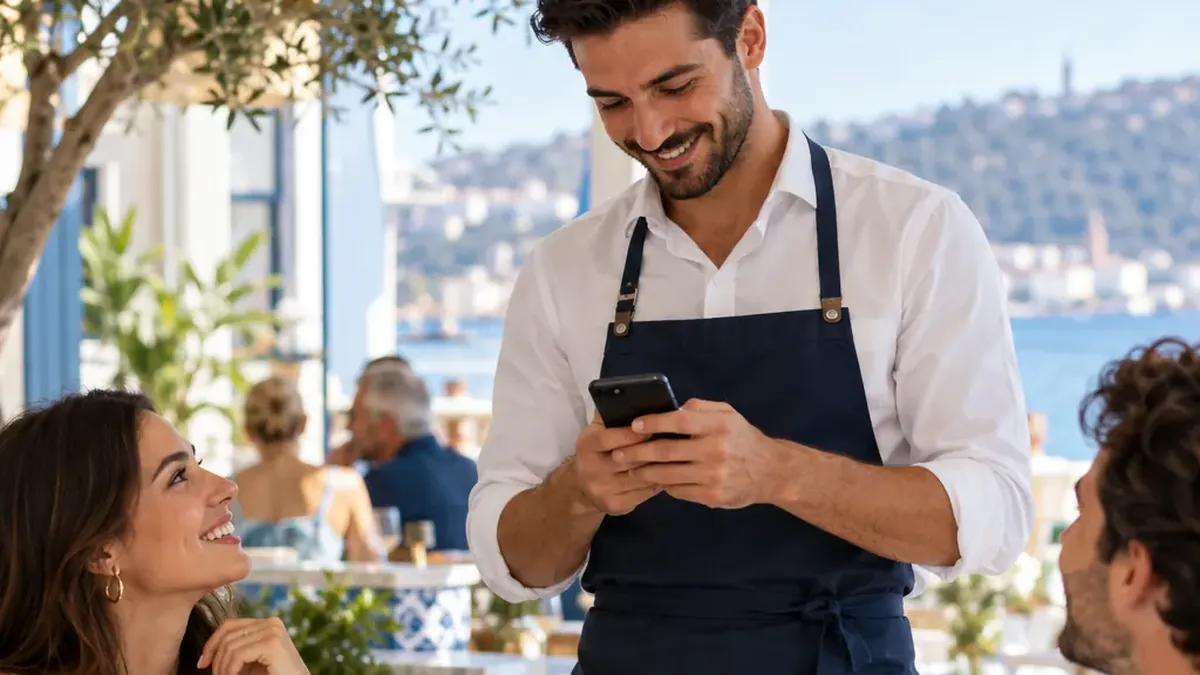
On a busy evening, guests wait for the waiter to look their way so they can ask for the bill. This wait comes at the very end of the meal and becomes the last impression they take home. For the waiter, it means remembering which table wanted what while crossing the room back and forth.
Digital table requests make this communication written and instant: guests choose what they need, and the service team sees on screen which table wants what.
Which requests can be sent?
- Call the waiter
- Ask for water / ice
- Ask for the bill: payment by card or in cash
- Other table requests your venue defines
You define the table requests yourself. A meze restaurant might add “refill the meze platter”, a coffee shop “sugar and napkins”.
Scenario: the end of dinner at table 7
21:30
A request for water
The guest asks for water from the screen opened with the table QR code. The request lands on the service team’s screen as “Table 7 · Water / ice”.
21:31
The request is taken on
The nearest waiter takes the request; the others see that this table is being looked after.
21:55
The bill is requested
The guest asks for the bill and chooses to pay by card. The waiter comes to the table with the card terminal.
21:58
Completed
Payment is taken at the table and the request is marked as completed. If they like, guests rate their experience.
Waiter screen and table bill
Some guests prefer to give their order to the waiter. With the “Waiter screen and table bill” add-on, the waiter enters the order at the table on their own phone, and it joins the orders the guest placed with the table QR code on the same bill. When the table closes, the bill is printed.
- The bill is for information and is not a fiscal receipt.
- Oquto is not connected to a till or POS system; payment is taken at your own till.
- Oquto takes no commission on orders.
How do you keep an eye on service quality?
Table requests are recorded just like orders. You can set target times and let the manager see late requests. In the management panel you follow open work, busy hours and guest ratings.
Frequently asked questions
Do we need a separate device for a waiter call button?
No. Guests scan the table QR code with their own phone; the service team sees requests on a screen that opens in the browser on a computer, tablet or phone.
Do guests pay the bill on their phone?
No. Guests only ask for the bill and choose how to pay; payment is taken at the table with the venue’s own till and card terminal.
What happens if a table calls the waiter again and again?
There is protection against the same request being sent repeatedly, so the team’s screen does not fill up with duplicates.
Can we change the table requests?
Yes. You define requests such as “call the waiter” or “water / ice” and add or remove them to suit your venue.
See this experience in your venue
Explore the live demo, or talk to our team for a tailored quote and a free sample kit.