Hotels
Housekeeping Requests Go Digital: Towels, Cleaning Times and “Do Not Clean Today”
Housekeeping requests often start with a call to reception, get written on a piece of paper and are sometimes forgotten. We show how requests travel from the guest’s phone to the right team, with tracking and late alerts.
3 min read
Key takeaways
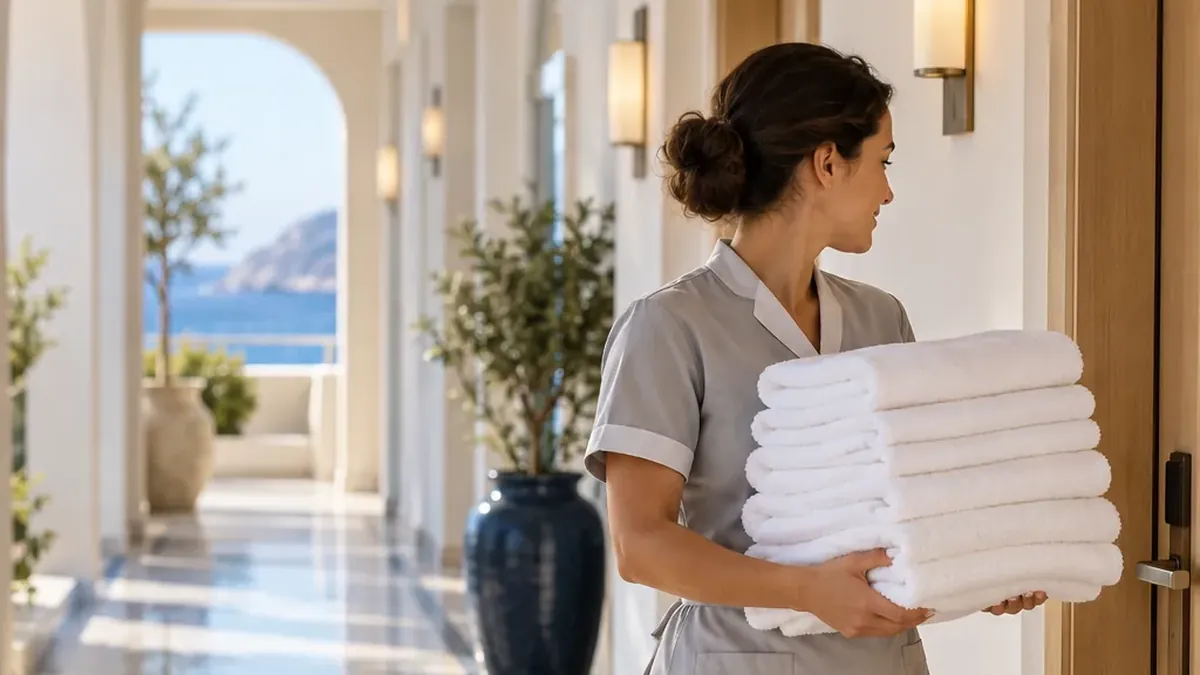
- Guests request towels, pillows, bed linen, ironing, laundry, a minibar refill or report a technical fault in a few taps.
- For room cleaning they can choose “now”, a time slot or “Do not clean today”.
- The request lands on the housekeeping screen as a recorded job; who took it and when it was finished is visible.
- Work past its target time is flagged to the team first, then to the manager; when it is done the guest rates the experience.
Why do phoned-in requests get lost?
In the classic flow the guest calls reception: “Could I have two more towels, please?” Reception takes a note and calls the housekeeping office or passes it on by radio. Add a busy morning, check-outs at the same time and a language barrier, and this small request is easily forgotten. For the guest, the forgotten towel is a disappointment that colours the whole stay.
The problem is not an unwilling team but a request that was never recorded. Work that is not recorded cannot be tracked or measured, and nobody notices when it is late.
How does the guest send a request?
The guest scans the QR code in the room, opens housekeeping in the guest portal and chooses what they need. If required, they fill in a short form or add a note. The request goes straight to the right department, together with the room number.
- Towels, pillows and bed linen
- Ironing and laundry
- Minibar refill
- Reporting a technical fault
- Room cleaning: now, in a chosen time slot, or “Do not clean today”
Scenario: a morning in room 214
08:10
A cleaning time is chosen
Before going down to breakfast, the guest picks 10:00–12:00 for room cleaning in the portal.
08:12
Extra towels
From the same screen they ask for two towels. The request lands on the housekeeping screen labelled “Room 214”.
08:20
The job is taken on
The housekeeping supervisor assigns the request to a room attendant. In the portal the guest sees that the request is being handled.
08:35
Done, and a rating
The attendant drops off the towels and completes the job. The guest gives a quick rating; had it been low, the manager would have been alerted at once.
Control for the team and management
- Department screen: housekeeping sees only its own work, and new requests appear instantly.
- Status tracking: New, Assigned, In progress, Completed. The team’s internal notes are never shown to guests.
- Target time: you set one per service; work past it is flagged to the team first, then to the manager.
- After hours: requests outside working hours go to another department or wait for opening, as you choose.
- Repeat protection: the same request cannot be sent again and again.
In the management panel you see open and late requests, department load and average completion time. Reports download as PDF, Excel or CSV.
Frequently asked questions
Can guests see the status of their request?
Yes. Guests see the status of their request live in the portal; the hotel can write to them on the request when needed, and they reply in the same place.
Can some services start only after approval?
Yes. Opening hours, an approval step and after-hours routing can be set per service.
Does the housekeeping team need a separate device?
No. The staff screen opens in the browser on a computer, tablet or phone; nothing to install.
Which requests go to which department?
You decide. Towels go to housekeeping, faults to maintenance, food orders to the kitchen; each service’s responsible department is set in the panel.
See this experience in your venue
Explore the live demo, or talk to our team for a tailored quote and a free sample kit.