Guide
Hotel Guest App or App-Free Web Portal? A Decision Guide
Many hotels start their digital guest experience with “let’s build our own app”. Yet downloading an app for a stay of a few nights does not appeal to every guest. We compare both approaches, with their pros and cons and a simple checklist.
4 min read
Key takeaways
- An app asks guests to visit a store, download it and often create an account; a web portal opens straight in the browser from a QR code or NFC tag.
- For short stays the installation step is a real hurdle; the fewer steps there are, the easier it is to reach the service.
- A good web portal knows the room, confirms the guest with a surname or PIN when needed and ends the session at check-out.
- The Oquto guest portal needs no app, opens in five languages and shows only the modules the hotel switches on.
Why every hotel faces this question
Guests now want to order room service, ask for towels or find the Wi-Fi password on their phones. Hotels, in turn, want fewer calls to reception, requests on record and extra services that guests can actually see. There are two ways to get there: offer guests an app to download, or set up an app-free guest portal that opens from a QR code.
Both seem to lead to the same place, yet they work out very differently, from the guest’s first tap to the hotel’s daily routine. When deciding, look less at the feature list and more at what guests will really do.
The app approach: powerful, but a high threshold
A branded mobile app can make sense for loyal guests who return often. But guests face several steps, and some give up at each one.
- Guests have to open the app store, find the app and download it.
- They need storage space, often an account, and must accept permissions.
- iOS and Android versions have to be updated separately, and each change may wait for store review.
- Once the stay is over, there may be little reason for the app to stay on the phone.
The web portal approach: one scan is enough
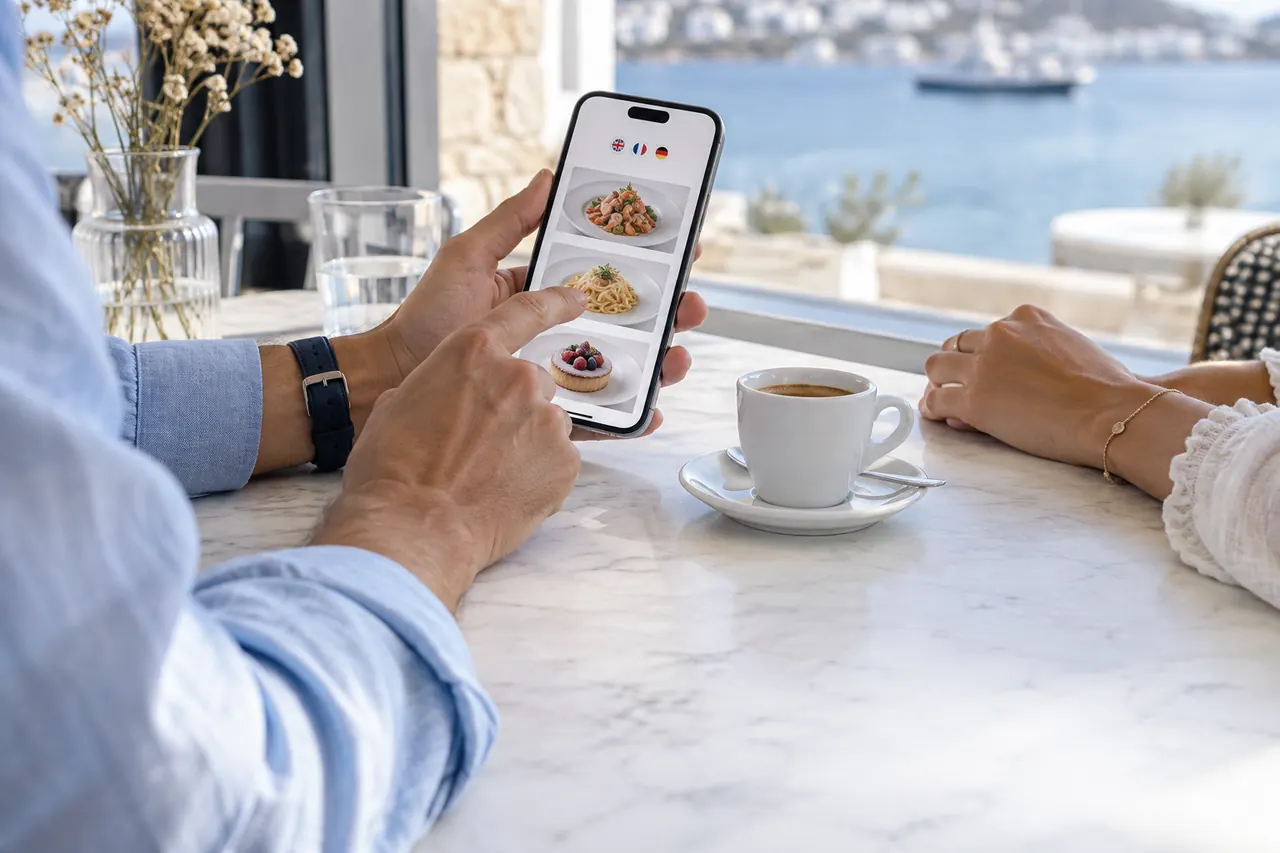
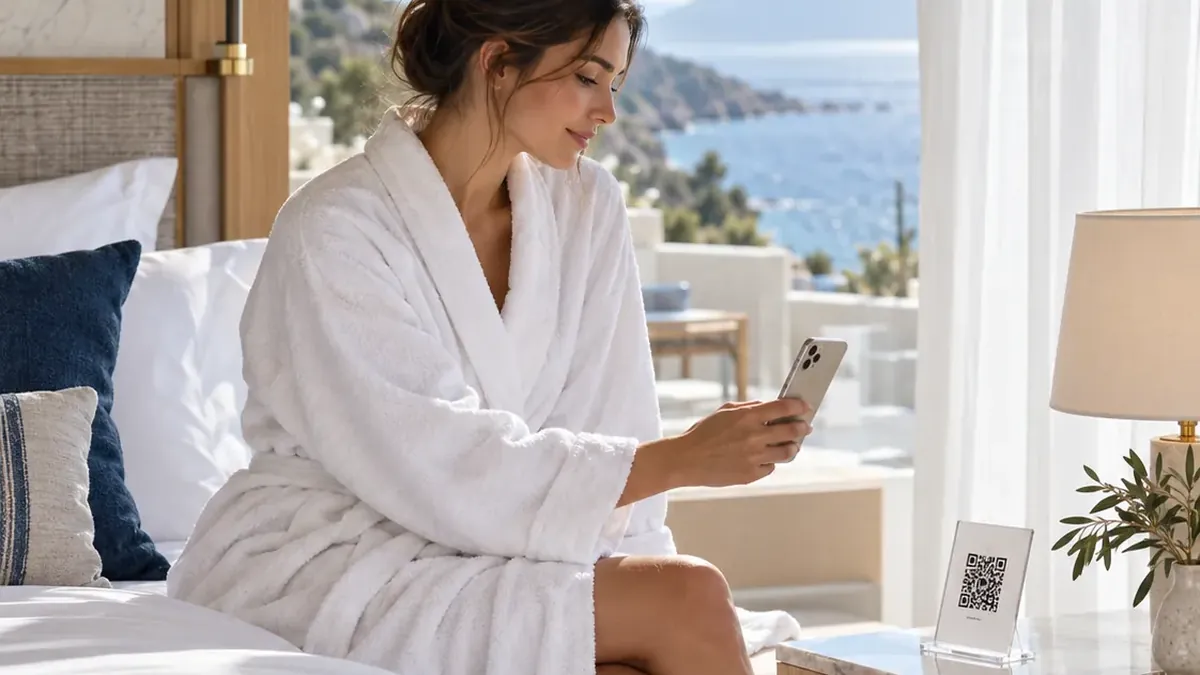
With an app-free guest portal, guests scan the QR code in the room or tap the NFC tag, and the portal opens in the browser. There is no store, no download and no account. The room’s QR code knows which room the guest is in, so orders and requests go straight to that room.
1
Scan
The guest scans the QR code on the bedside table with the phone camera. The portal opens in the phone’s language.
2
Choose
They order from the room service menu or send a request for towels, a cleaning time or the spa.
3
Follow
They see the status of the order or request live, and the hotel can write to them in the same place.
Security: “Could someone else order with my room’s QR code?”
Security is the most frequent question about app-free portals. In a well-designed system the QR code only opens the door; personal actions need confirmation.
- For orders and personal information, guests confirm with the surname registered at check-in or a PIN; the hotel decides how often this is asked.
- The step can be skipped for guests on the hotel Wi-Fi.
- When a guest checks out, that room’s sessions end.
- A lost or copied QR code can be invalidated in one click and a new one printed.
A short checklist for the decision
Your answers to these questions will largely show which path suits your hotel:
- How many nights do most of your guests stay, and how often do they return?
- Which languages do your guests speak, and can the interface open in them?
- Who will publish menu and service changes, and how quickly?
- Which departments will receive requests, and how will delays be noticed?
- Which details do you really need to ask guests for?
Oquto offers an app-free guest portal for these needs: room, table and sunbed QR codes, an interface in five languages, department screens and a management panel on one platform. Each module is switched on or off per hotel.
Frequently asked questions
Does an app-free portal work on every phone?
The portal opens in the phone’s browser; current smartphones whose camera can scan QR codes, or that support NFC, need nothing else.
Can we send guests notifications?
Yes. The portal has a notification centre, and with the guest’s permission browser notifications are sent too. Guests who do not allow them still see updates inside the portal.
Does the portal carry our hotel’s brand?
The logo, colours, day and night themes and welcome images are yours. The portal opens at an address of your hotel; connecting your own domain is available as an add-on.
Which languages does it support?
The guest interface is available in Turkish, English, German, Russian and Arabic. We can also add new languages to suit your guests.
See this experience in your venue
Explore the live demo, or talk to our team for a tailored quote and a free sample kit.