
₺145
Oquto for cafés and restaurants
Your menu on the table, the order straight to the kitchen.
Guests scan the QR code or tap the NFC tag on the table. Without installing an app they choose from a menu with photos, add extras and place their order. The order reaches the bar and kitchen screens with the table number. Calling the waiter or asking for the bill takes a few taps too, and you measure it all from one panel.
- No app to install
- A QR code and NFC tag per table
- Menus in 5 languages
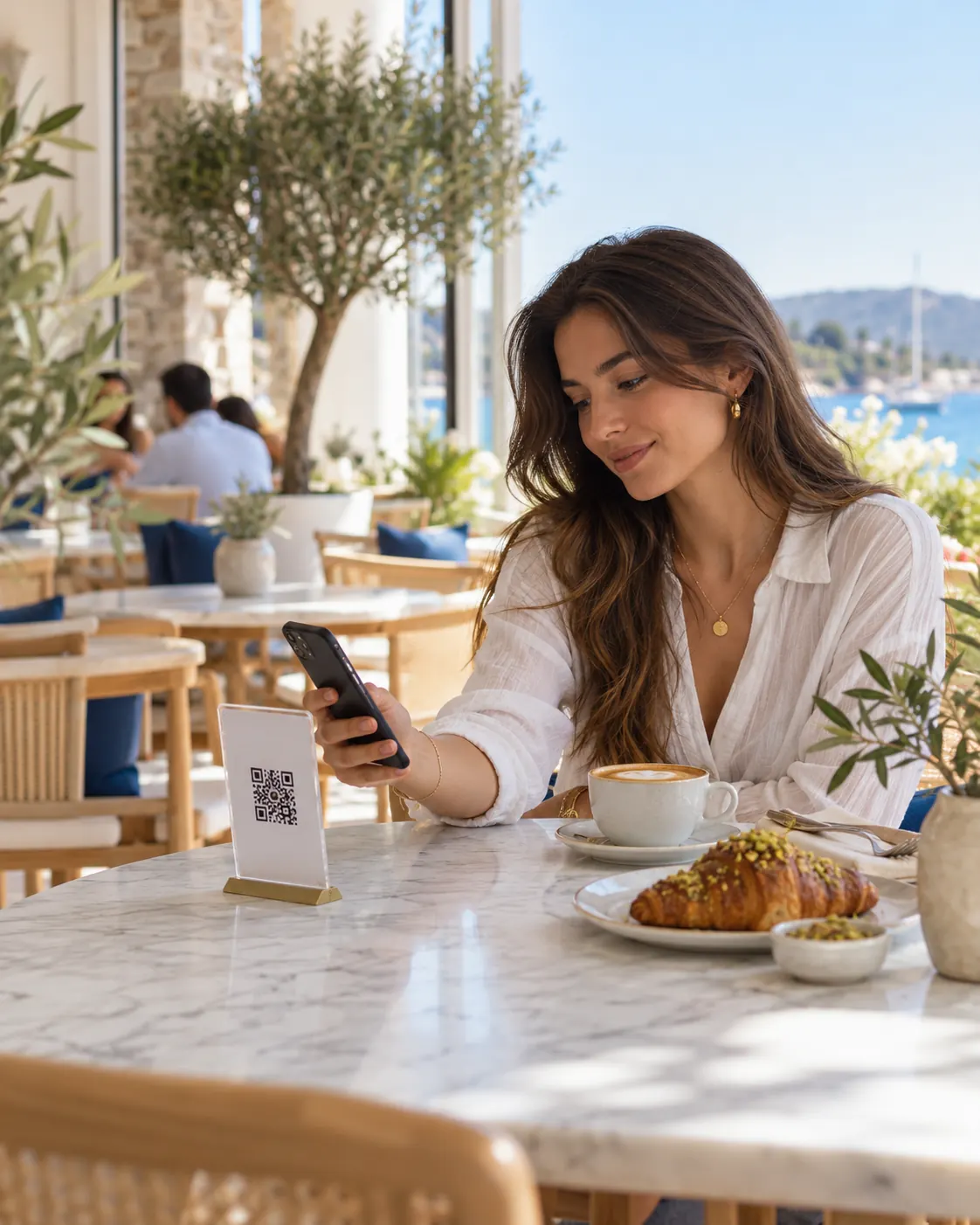
Oquto in short
QR menus, ordering at the table and team screens for cafés and restaurants
Oquto lets café and restaurant guests open the menu with the QR code or NFC tag on the table, order, call the waiter and ask for the bill. Orders go digitally to the bar and kitchen with the table number, the team handles them from its own screen, and management measures the whole operation.
- Setup
- No app for guests; the menu opens in the phone’s browser.
- Entry points
- QR codes for tables, the terrace, the bar and sunbeds; NFC tags.
- Languages
- Guest interface in Turkish, English, German, Russian and Arabic. We can also add new languages to suit your guests.
- Team
- Bar, kitchen and service screens; instant alerts, assignment and target-time tracking.
- Payment
- Oquto takes no payments; guests pay at the table by card or in cash.
- Branches
- Several branches in one account; each with its own menu, tables and team.
Why Oquto
Simple answers to problems cafés and restaurants face every day
Tables waiting at rush hour, orders that go wrong, menus that go out of date… Small hitches wear out guests and the team alike.
Problem
Guests wait for a waiter at rush hour
Solution: Guests order the moment they open the menu, and the order goes straight to the bar and kitchen. Waiters have time for service and for the guests.
Problem
Orders get misunderstood
Solution: Size, extras, cooking preference and notes arrive in writing, chosen by the guests themselves; the bar and kitchen see clearly what was asked for.
Problem
Printed menus go out of date, and every price change means a reprint
Solution: Products, prices and sold-out items are updated from the panel at once. Guests always see the current menu.
Problem
A language barrier with foreign guests
Solution: The guest screen works in five languages and opens in the phone’s language. You publish your menu in the languages you choose. We can also add new languages to suit your guests.
Problem
Waiting to catch someone’s eye for the bill
Solution: Guests call the waiter or ask for the bill and choose card or cash; the request lands on the service team’s screen at once.
Problem
You cannot measure what sells and which hours are busy
Solution: Orders, best sellers, preparation times, busy hours and guest ratings in one panel; reports download as PDF or Excel.
How it works
From the table QR code to a served order in four steps
01
The guest scans
They scan the QR code or tap the NFC tag on the table with the phone camera. The menu opens knowing which table the guest is at.
02
Chooses and orders
They choose from a menu with photos, add the size and extras, write a note, pick how to pay and send the order.
03
The bar and kitchen get it
The order lands on the right screen at once, with the table number. The team takes it on, prepares it and brings it to the table.
04
Follows, pays, rates
The guest sees the order status live, calls the waiter or asks for the bill. At the end they rate the experience; a low rating alerts the manager at once.
Live demo
Try the experience at the table yourself
Choose a café or a restaurant; order from the menu, call the waiter, ask for the bill. Every action lands on the venue panel beside it at once.
Try these in the demo
- 1Change the languageTap the profile icon and pick a flag; the whole phone switches to that language. Day and night looks are there too.
- 2Place an orderPick a product from the menu, choose the size and extras, add it to the cart and place the order.
- 3Follow the orderReceived, accepted, being prepared, on the way… The steps move on live and appear on the venue dashboard.
- 4Call the waiter, ask for the billUse the buttons at the bottom to call the waiter or ask for the bill; the request lands on the panel beside it at once.
The screen is fully interactive
Roast & Co.
Table 7Roast & Co.
Coffee & Desserts
Freshly roasted coffee and today’s desserts.
30–45 minAvailable 24/7₺195
₺170
Venue dashboard
Every action on the phone lands here instantly.
- Staff calljust nowTable 09 · Water / ice requested
- New order to kitchenjust nowTerrace 4 · 2 × Homemade lemonade
For your guests
The menu on the table, the order in a few taps
The guest menu is your venue’s digital shop window. It opens on the guest’s own phone, in their language, with no app to install, and shows only the features you switch on.

A menu with photos and ordering at the table
Breakfast, all-day, desserts and drinks… Guests choose from a menu with photos, set the size and extras, add a note and order from the table.
- Menus that open by themselves by time and day
- Sizes, extras and cooking options; allergen and dietary information
- Sold-out and “kitchen busy / not taking orders” in one tap
- Payment choice: by card or in cash at the table
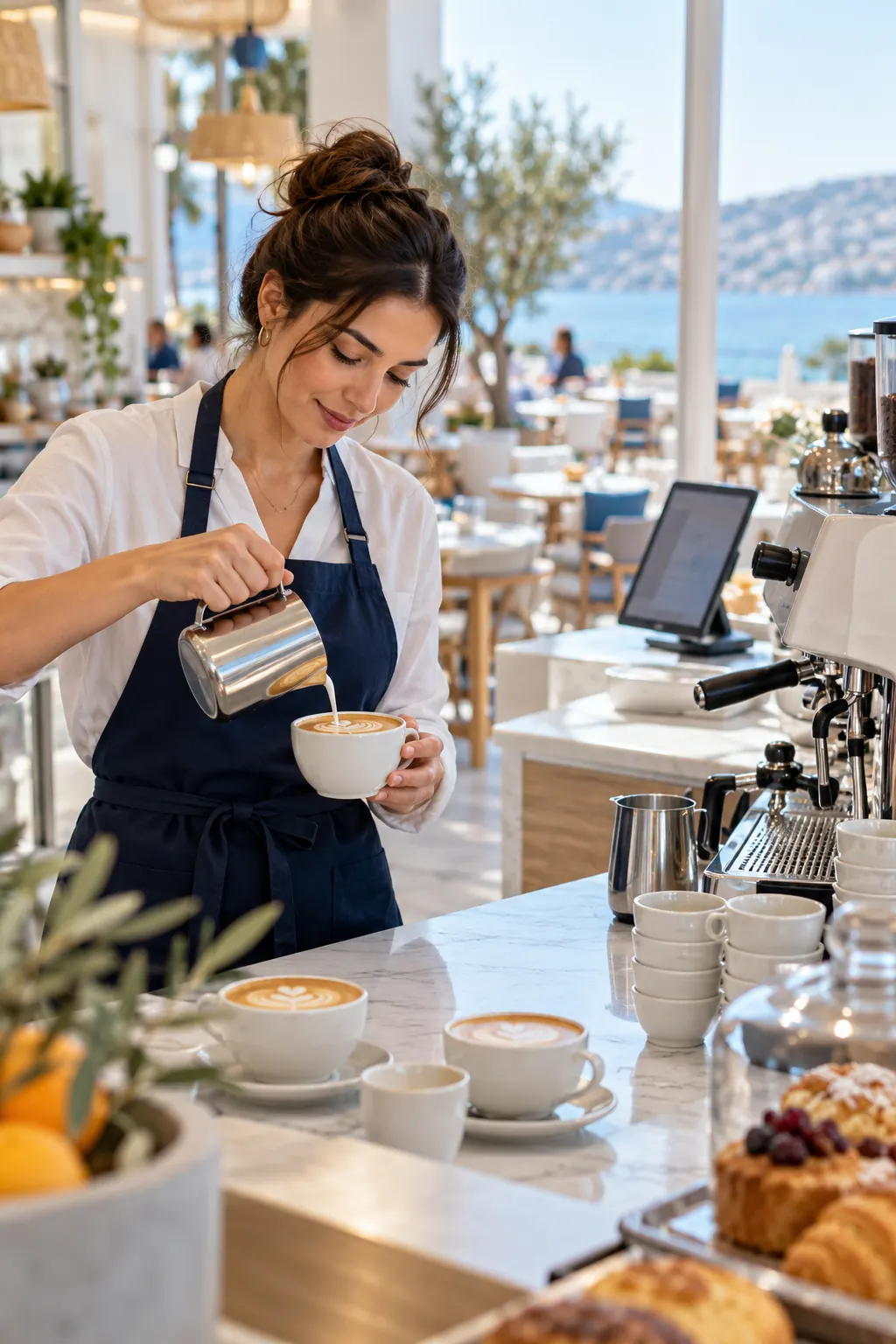
Live order tracking
Guests see every step of their order: received, accepted, being prepared, on the way, delivered. If something changes, your team writes to the guest on the order itself, and the guest reaches the venue from the same place.
- Live status and estimated preparation time
- Two-way messages on orders
- Notification centre and, with the guest’s permission, browser notifications
- Edit or cancel an order before it is accepted
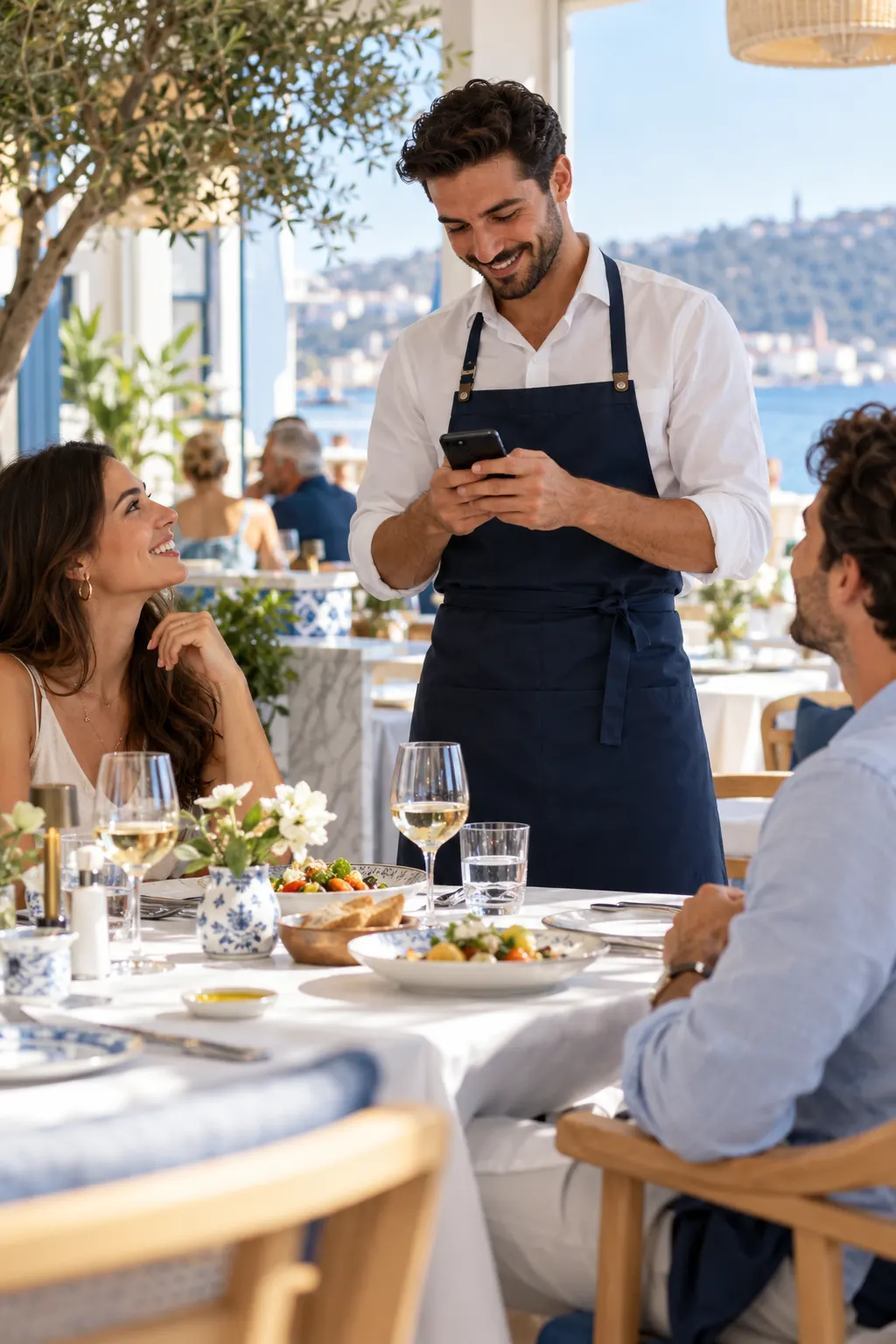
Call the waiter, ask for the bill
Guests no longer raise a hand and wait to call the waiter, ask for water or get the bill. The request lands on the service team’s screen at once, together with the table it came from.
- You define table requests such as “call the waiter” or “water / ice”
- Asking for the bill with the payment method: card or cash
- Who took the request and when it was done is visible
- Protection against the same request being sent again and again
Add-onWaiter screen and table bill: orders the waiter takes at the table join the guest’s QR orders on the same bill
Feedback and reviews
When the order is done, guests rate their experience. A low rating alerts the manager at once, so you can fix the problem before the guest leaves. The thank-you screen can show your page on Google, Tripadvisor or a review site of your choice.
Every guest in their own language
The menu opens in the phone’s language. The interface works in Turkish, English, German, Russian and Arabic, with Arabic right to left. We can also add new languages to suit your guests.
Day and night looks
Guests open the menu with a day or night theme, easy to read in dim evening light too. The logo, colours and images are yours.
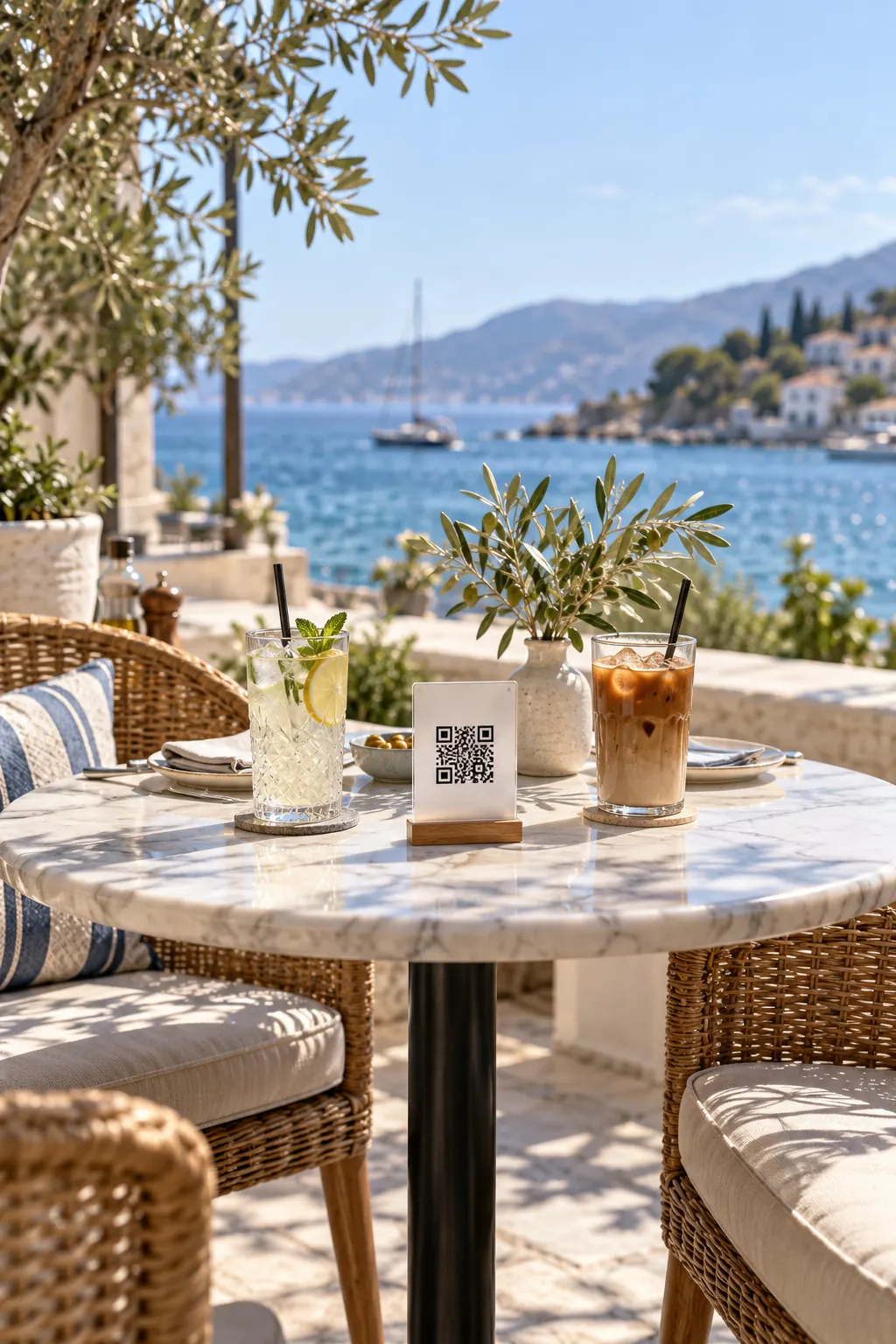
Every corner of the venue
Each table has its own QR code
Wherever the guest scans, the menu opens accordingly, and the order arrives knowing which table it came from.
Table
The table QR code knows the table number; orders and calls go straight to that table.
Terrace and garden
Outdoor tables have their own QR codes too, so the service team knows where to go.
Bar and lounge
A shared-area QR code opens that spot’s menu.
Beach and poolside
Order from the sunbed at a beach club or by the pool; the team comes to the right sunbed.
Branches
Each branch has its own QR codes; the menu, prices and team follow the branch.
NFC tag
A tap of the phone is enough; the same link and the same security as the QR code.
For your team
The order on the right screen, at the right moment
The staff console is the bar, kitchen and service team’s own work screen. It opens in the browser on a computer, tablet or phone; nothing to install.
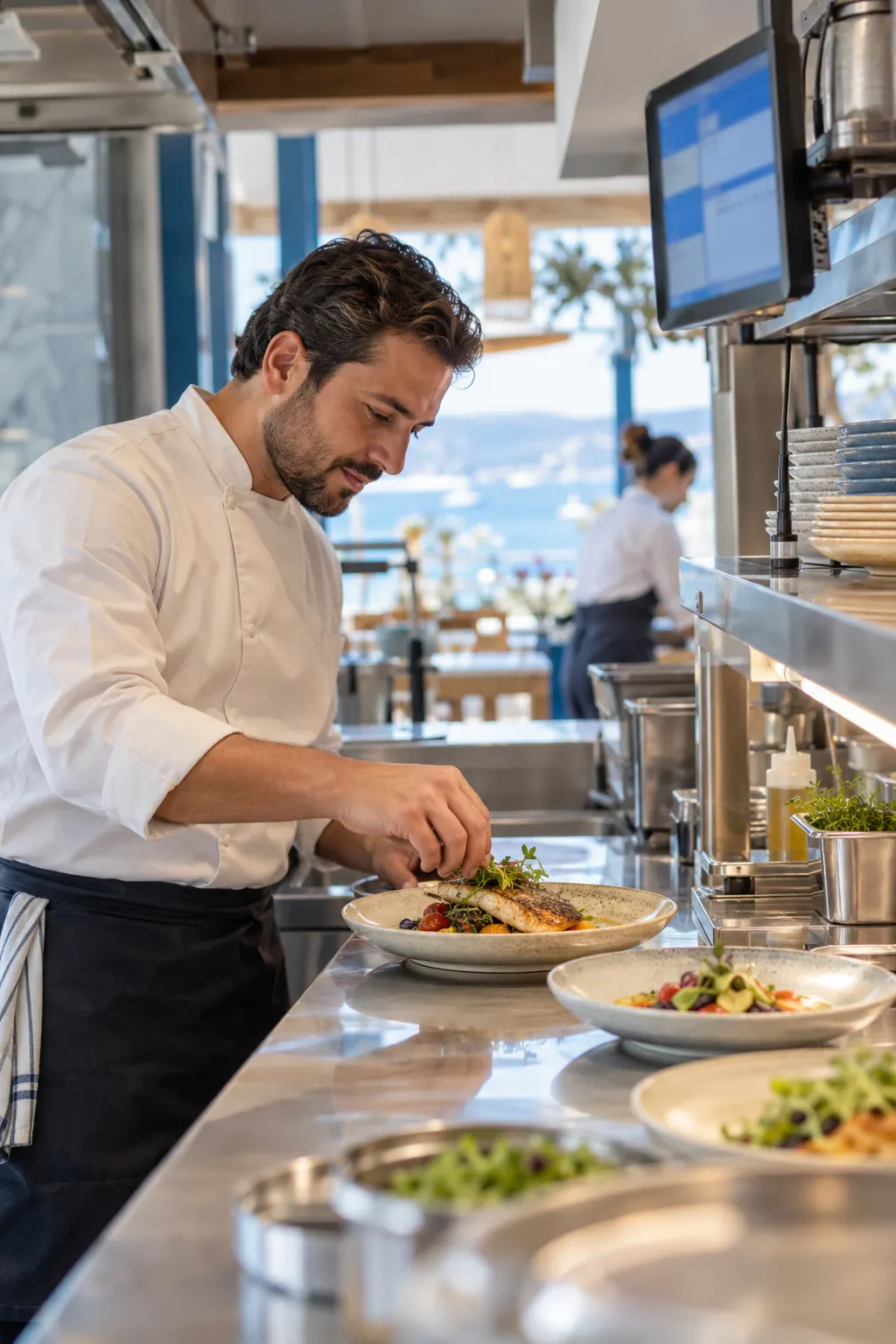
Bar and kitchen screens
Bar, kitchen, service… Everyone sees only their own work, and new orders and table calls appear on screen instantly.
Assignment and status tracking
An order is taken on or assigned to someone and moves forward step by step. The team’s internal notes are never shown to guests.
Target times and late alerts
You set target times for orders and table requests. Work past its target is flagged to the team first, then to the manager.
Shifts and leave
Shift templates, a weekly roster, leave requests with approval and a public holiday calendar. Assignment suggestions skip staff who are off shift or on leave, and the team view shows who is online.
Add-on
Waiter screen and table bill
The waiter takes the order at the table on their own phone; it joins the orders the guest placed with the table QR code on the same bill. When the table closes, the bill is printed.
Wall display
A live board of orders on the TV in the kitchen or behind the bar.

For management
Measure, manage, grow
The pulse of your venue in one panel: from late orders to the day’s takings, from the best seller to the guest rating.
Management panel
Late orders and requests, open work, bar and kitchen load, the day’s orders and their value. Each user arranges the panel their own way.
Reports
Download panel, operations, analytics and feedback reports as PDF, Excel or CSV.
Menu management
Prepare changes as a draft, preview them, publish after approval if you wish, and roll back to an earlier version. Import your menus from Excel or CSV.
Heat map and analytics
Which products sell, which hours are busy, how fast is the team? The day-and-hour heat map shows quiet hours for promotions and busy hours for staffing.
QR and NFC management
Generate and print QR codes for tables, the terrace and the bar in bulk. If a code is lost or copied, invalidate it in one click and print a new one.
Your brand, your address
Logo, colour palette, day and night themes and welcome images are yours. Your menu opens at an address of your venue; connect your own domain if you like.
Branches, roles and permissions
Departments, roles and permissions per person; with several branches, each is managed separately. You decide who sees what and who can change it.
Security and privacy
Guests are asked only for what is needed; staff see only what they are permitted to.
- Two-step sign-in for administrators
- Every important action in the audit log
- Each venue’s data kept apart from the others
- A lost table QR code renewed in one click
Revenue and efficiency
Where does it add to revenue?
We do not promise you figures; we show where extra revenue and savings come from. You measure the effect in your own panel, with your own data.
Brings in revenue
No waiting for a waiter to order
Guests order the moment they open the menu. Fewer tables wait at rush hour, and guests ask for what they want when they want it.
Extras inside the order
A larger size, an extra shot, plant milk, a dessert on the side… Options come with the product and guests add them themselves.
A second round in one tap
Without leaving the table or waiting for the waiter, guests add a second coffee or a dessert.
Photos whet the appetite
With photos and descriptions, guests readily choose dishes they do not know, and foreign guests read the menu in their own language.
Make use of quiet hours
The heat map shows which hours stay empty, so you can plan promotions for them.
Cuts workload and cost
No reprints
When a price or product changes, the menu is updated from the panel; printing costs go down.
Fewer wrong orders
Options and notes arrive in writing, so fewer orders are misunderstood and fewer plates go back to the kitchen.
Time back for the service team
Fewer trips to take orders and bring the bill, so the team spends its time on service and guests.
Modular by design
Switch on what you need, hide the rest
You decide which modules are on; guests only see those. Start with the digital menu and ordering at the table, for example, and add the waiter screen later.
Modules on the platform
- Digital menu
- Ordering at the table
- Terrace and sunbed ordering
- Sizes, extras and options
- Allergen and dietary information
- Menus by time of day
- Waiter calls and bill requests
- Live order tracking
- Messages and notifications
- Feedback
- Bar and kitchen screens
- Wall display
- Target times and alerts
- Shifts and leave
- Analytics and reports
- QR and NFC management
- Roles and audit log
Add-ons
Waiter screen and table bill
Waiters take orders at the table, and each table has its bill.
AI translation
Drafts your menu in the other languages; you review and save.
Your own domain
Your menu opens on your venue’s own domain.
Getting started
How it comes to life at your venue
- 01
Introduction
We talk through your venue, your menu, your table layout and which modules you need.
- 02
Setup
We import your menu and tables from an Excel or CSV list and set up product options, team screens and your brand together.
- 03
QR and NFC
Your table QR codes are prepared in bulk and placed on tables, on the terrace and at the bar.
- 04
Training and launch
Your team learns its own screen; the system works from the moment a guest scans the first code.
Frequently asked
What cafés and restaurants ask us most
Do guests need to download an app?
No. Guests scan the QR code or tap the NFC tag on the table, and the menu opens in the phone’s browser. No app store, account or password is needed.
Which languages are supported?
The guest interface is available in Turkish, English, German, Russian and Arabic; Arabic is shown right to left. You enter your menu in the languages active at your venue; content without a translation is shown in the default language. We can also add new languages to suit your guests.
Does Oquto take payments or charge commission?
No. When ordering or asking for the bill, guests choose whether to pay by card or in cash; you take the payment at your own till and card terminal. Oquto takes no commission on orders.
Does it connect to our till or POS system?
Today Oquto works on its own, without a till or POS connection, so you do not need to change your till or how you take payments. The bill on the waiter screen is for information and is not a fiscal receipt.
How often can we change the menu?
Whenever you like. Prices, products and sold-out items are updated from the panel at once. Bigger changes can be prepared as a draft and previewed, published after approval if you wish, and rolled back if needed.
We have several branches; how does that work?
Your branches sit in one account; each branch’s menu, tables, team and settings are managed separately. A staff member can be assigned to more than one branch.
Do we decide which modules to use?
Yes. Modules are switched on or off per venue, and guests only see the ones that are on. You can start with the digital menu and ordering at the table and add the waiter screen later.
How long does setup take, and does the team need training?
It depends on the size of your menu and the number of tables. We can import your menu and tables from an Excel or CSV list. The screens are simple, so the team starts after a short introduction.
How is pricing set?
The fee depends on your number of branches and tables and the modules you choose. We listen to your needs and prepare an offer for you.
Let’s see together how it would work at your venue
We will give you a tailored walkthrough and choose the modules you need together.
Contact
Get in touch with us.
Reach out with questions, ideas or a solution tailored to your venue. Our team will get back to you shortly.
We usually respond within 24 hours.