Hotels
Ordering from the Sunbed by the Pool and on the Beach: Step-by-Step Setup and Tips
By the pool, walking to the bar for a drink or looking for a waiter tires guests and staff alike. We explain how ordering from the sunbed works, the setup steps and the tips that help in practice.
3 min read
Key takeaways
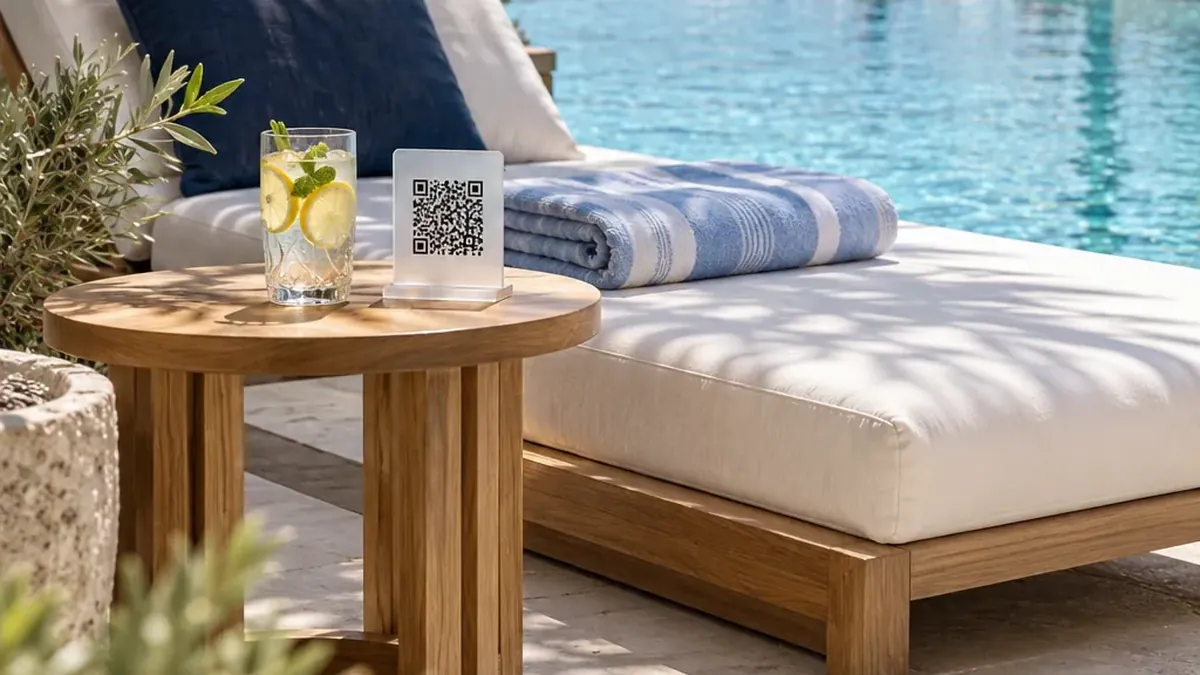
- A QR code for each sunbed or group of sunbeds sends the order to the pool bar with the sunbed number.
- The pool bar has its own menu, opening hours and delivery time, and menus open by themselves by time of day.
- Guests can charge the order to the room or pay on delivery; charging to the room requires confirmation with a surname or PIN.
- QR codes are printed in bulk; a lost or damaged one is invalidated in one click and replaced.
Why is poolside service hard?
Pool and beach areas are large, guests are spread out, and it is hard for a waiter to notice which sunbed wants to order. Guests either walk to the bar or give up waiting. On a hot afternoon, every drink not ordered is both a lost sale and a gap in the experience.
How does ordering from the sunbed work?
1
The QR code is scanned
The guest scans the sunbed’s QR code; the pool bar menu opens knowing the sunbed number.
2
The order is placed
The guest picks a drink and a snack, adds a note and chooses to charge it to the room or pay on delivery.
3
The bar prepares it
The order lands on the bar screen with the sunbed number. The team takes it on, prepares it and brings it to the right sunbed.
4
The guest follows it
The guest sees the order status and estimated time on the phone.
Setup steps
- Number the sunbeds and define a QR code for each.
- Set up the pool bar as a separate outlet, with its own menu, hours and delivery time.
- Arrange daytime and evening menus by time of day.
- Print the QR codes in bulk and place them at the sunbeds; an NFC tag works with the same link.
- Show the team the bar screen, including how to switch on “not taking orders” at peak times.
Managing busy afternoons
- A product that runs out is marked sold out in one tap.
- If the bar is very busy, “kitchen busy / not taking orders” is switched on, and guests see it in the menu.
- An order past its target time is flagged to the team first, then to the manager.
- The heat map shows the pool bar’s busiest hours, so you can plan shifts accordingly.
Frequently asked questions
Do guests need to confirm their identity to order from the sunbed?
For table and sunbed orders, confirmation is not required automatically unless your hotel’s ordering settings ask for it. To charge the order to the room, the guest confirms with the surname registered at check-in or a PIN.
What if a sunbed QR code gets lost?
Invalidate it in the panel with one click and print a new one. The old code can no longer be used to order.
Can the pool bar and the restaurant have different menus?
Yes. Each outlet has its own menu, opening hours and delivery time.
Can we use the same system on the beach?
Yes. Beach sunbeds get their own QR codes too, and orders arrive knowing which sunbed they came from.
See this experience in your venue
Explore the live demo, or talk to our team for a tailored quote and a free sample kit.