Hotels
Seamless Hotel Room Service with a QR Menu: One Evening from Room to Kitchen
Lost notes, busy phone lines and language barriers are becoming a thing of the past in room service. Through a real-world scenario, we show how a hotel guest’s in-room request reaches the kitchen, housekeeping and the room bill without a single break in the chain.
7 min read
Key takeaways
- An in-room QR or NFC stand takes guests straight to a room service menu that opens in their phone’s language, with no app to download.
- Orders go directly to the kitchen display and the right staff, tagged with the room number, eliminating phone calls and handwritten notes.
- Requests such as towels, pillows or late checkout are automatically routed to the right department, not the kitchen.
- The total is posted to the room bill via PMS integration, and guests can track their order status on their own screen.
- The Oquto dashboard lets you manage everything from late-night menu hours to stock levels from a single screen.
Where does room service really break down?
Room service is one of the hotel operations that shapes guest satisfaction the most, yet it is one of the least visible. In the classic flow, the guest looks at a printed menu in the room, calls the front desk or the room service line and places the order verbally. The staff member who answers writes it down on paper, passes it to the kitchen and then posts the amount to the room bill separately.
Every link in this chain is a potential point of failure. At peak times the line is busy, international guests struggle to explain what they want, a “gluten-free” note gets lost along the way, and orders that never make it onto the bill come back as lost revenue at the end of the month. The problem isn’t the kitchen; it’s the communication between the room and the kitchen.
- Busy lines and guests left waiting
- Orders misunderstood because of language barriers
- Allergen and special requests lost on paper notes
- Amounts posted to the room bill manually, after the fact
- Outdated printed menus and sold-out items that still get ordered
Scenario: an evening in Room 312
Let’s follow this flow through a concrete example. A family from Germany settles into their room in the evening after a long journey. Instead of heading down to the restaurant, they want to eat in their room. Here’s how the evening unfolds at a hotel using Oquto:
21:40
They scan the QR code and the menu opens in German
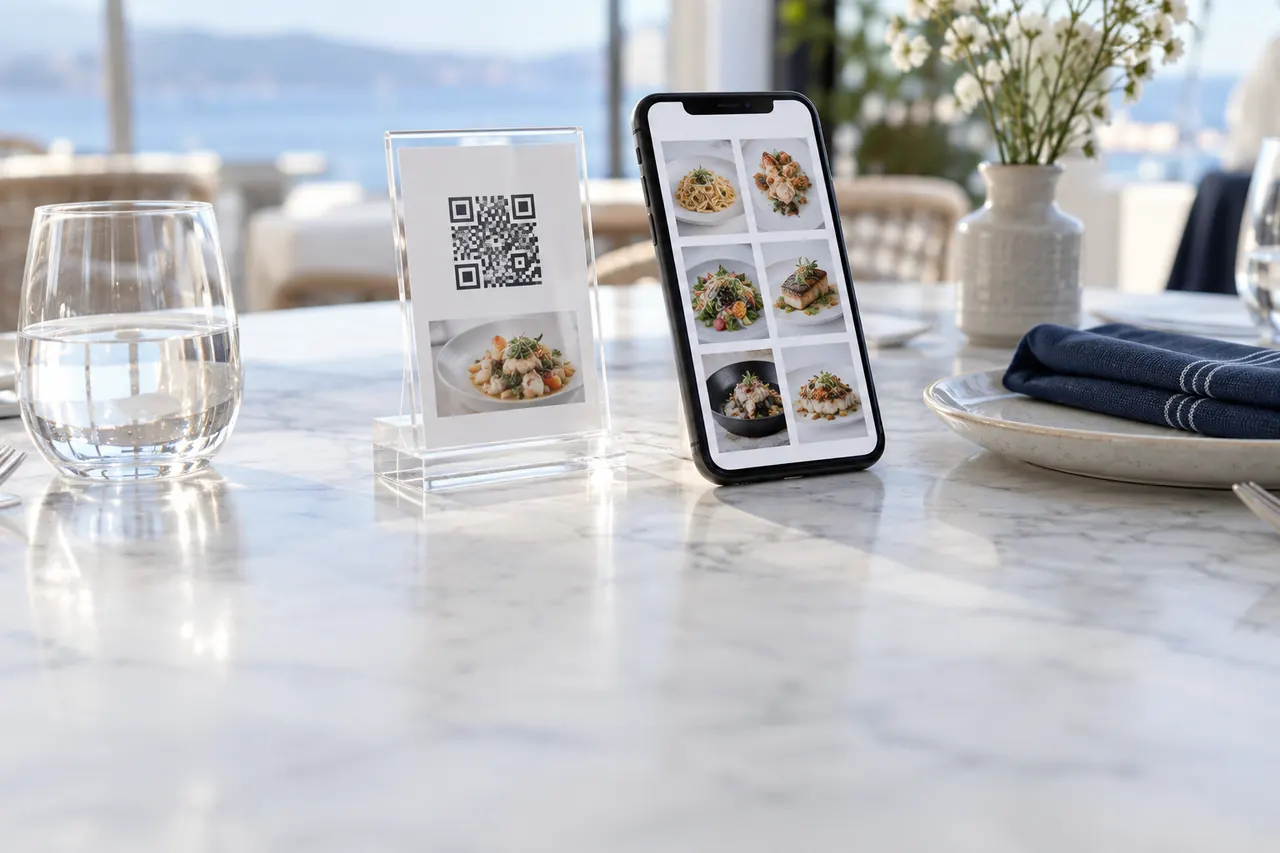
They hold a phone up to the sleek NFC stand on the nightstand. The menu detects the phone’s language and opens directly in German. Product photos, descriptions and allergen icons are all in the guest’s own language, and no app needs to be downloaded.
21:42
Safe choices with the allergen filter
The family’s young daughter is sensitive to gluten. With a single tap, her mother turns on the “gluten-free” filter and the menu shows only suitable items. On the product page she sees that the club sandwich can be made with gluten-free bread and adds this to the order note.
21:43
A smart suggestion grows the basket
When the sandwich is added to the basket, the system suggests the pairing set by the hotel: “Goes great with homemade lemonade.” The family adds two lemonades and a soufflé for dessert. No one pushed them; the right suggestion simply appeared at the right moment.
21:44
One tap sends the order to the kitchen
The guest confirms the order with the “Charge to room” option. It instantly appears on the kitchen display tagged “Room 312”, in the staff’s own language (Turkish), with the gluten-free note highlighted. At the same moment, the room service lead gets a notification on their smartwatch.
21:46
The guest tracks the status on screen
Once the kitchen accepts the order, the status on the guest’s screen updates to “Preparing”. There’s no need to call the front desk to ask, “What happened to my order?”
21:50
The extra towel request goes to the right department
While waiting, the father uses the same screen to request “Extra towels” and “An extra pillow”. These requests go straight to the housekeeping team, not the kitchen, so the kitchen can stay focused on its own job.
22:05
Delivery and automatic posting to the room bill
The order is delivered to the room and marked “Delivered” on the staff screen. Thanks to PMS integration, the total is posted to Room 312’s bill automatically: no manual entry, no room for error.
Next morning
Feedback and reviews
Before breakfast, the guest sees a short satisfaction question. A happy guest is directed to the hotel’s Google profile with a single tap, turning a great experience into a review that future guests will see.
Four building blocks of a seamless flow
The flow above isn’t the result of a single feature but of four interconnected building blocks. Because Oquto brings these pieces together on one platform, the hotel doesn’t have to bridge separate systems.
- Multilingual menu: The phone’s language is detected automatically, and content and allergen information are available in 14 languages.
- Department-based routing: Food orders go to the kitchen, towel requests to housekeeping and billing questions to the front desk.
- Real-time status tracking: Guests and staff see which stage the order is at, at the same time.
- PMS and POS integration: With PMS software such as Opera and Fidelio and common POS systems, amounts are posted automatically to the room bill or the check.
What changes for management?
Seamless room service is a relief not only for guests but for management, too. The F&B manager monitors the entire room service flow from a single dashboard and can step in within minutes when needed.
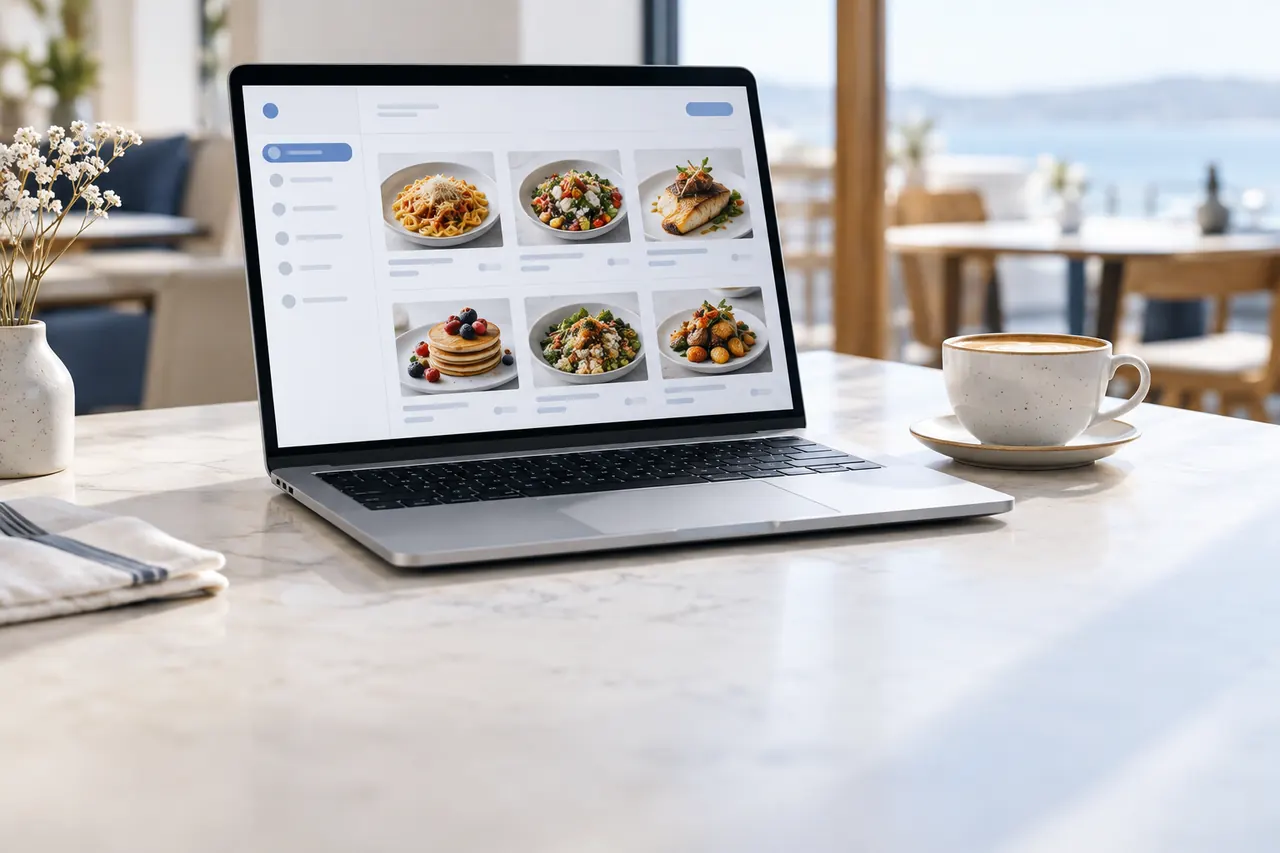
- Time-based menus: The late-night menu switches on automatically after 23:00, and the breakfast menu opens on its own in the morning.
- Stock control: A sold-out item is hidden from the menu with a single tap, so guests can’t order something that isn’t available.
- Promotions and price updates: Price changes reach every room at once, without waiting for menus to be reprinted.
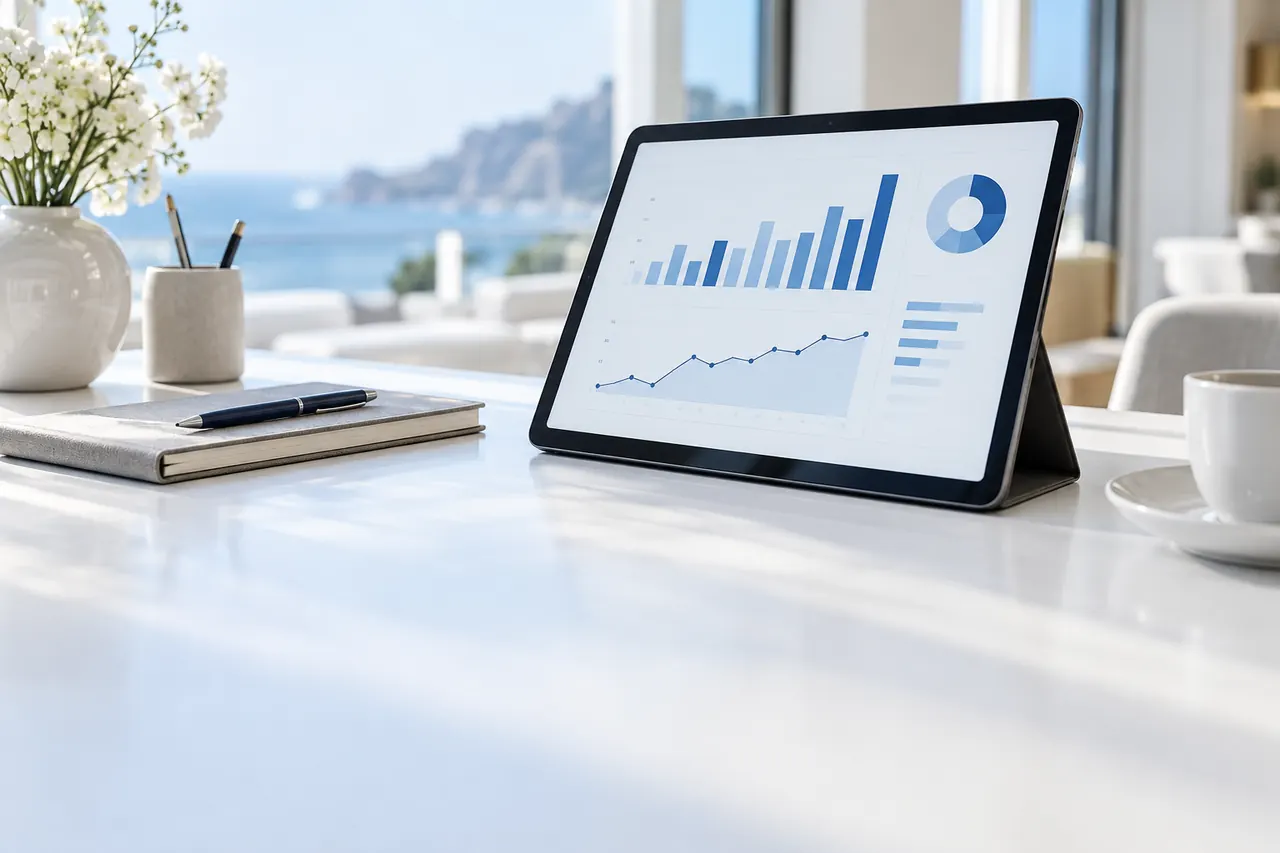
- Reporting: Clear reports show your best-selling items, peak hours and spending per room.
This data lets you shape your menu around how guests actually behave. For example, if you notice demand for hot soup rising after midnight, adding it to the late-night menu takes just a minute.
From the pool bar to the spa: the same flow everywhere
The same seamless room-to-kitchen flow can be extended to every other part of the hotel. A QR code on a poolside sun lounger sends the guest’s drink order to the bar along with the lounger number. Beach service, the lobby bar and the spa café are all managed from the same dashboard, each with its own menu, its own hours and its own responsible team.
Wherever guests are in the hotel, they enjoy the same familiar, effortless experience. On the business side, all points of sale come together on a single reporting screen.
How is it set up at your hotel?
Setup moves forward step by step without disrupting your operations. The Oquto team is with you throughout the process.
- Your menu and department structure are transferred to the dashboard together with our team.
- Custom QR / NFC stands are prepared for rooms, the pool bar and other locations.
- PMS and POS integration is configured and verified with test orders.
- Kitchen, room service and housekeeping teams get comfortable with the system after a short training session.
- You go live, and the flow is fine-tuned using reports during the first few weeks.
Frequently asked questions
Do guests need to download an app to order room service?
No. The Oquto menu is a web app that opens in the browser. Guests simply scan the QR code in the room or hold their phone up to the NFC stand.
Can room service orders be charged to the room bill automatically?
Yes. Thanks to integration with hotel PMS software such as Opera and Fidelio, the order total is automatically posted to the corresponding room’s bill.
Can requests like towels or cleaning be sent through the same system?
Yes. Non-food requests are routed to the relevant department, such as housekeeping, maintenance or the front desk, based on rules you define in the dashboard.
Can international guests view the menu in their own language?
Yes. The phone’s language is detected automatically, and menu content, descriptions and allergen information are shown in 14 languages. The kitchen, meanwhile, sees the order in its own language.
See this experience in your venue
Explore the live demo, or talk to our team for a tailored quote and a free sample kit.