Hotels
Fewer Questions at Reception: Wi-Fi, Hotel Information and Nearby Places on One Screen
Reception’s day is filled with the same questions asked again and again in different languages: what is the Wi-Fi password, when is breakfast, where is the nearest pharmacy? We show how to bring this information to the guest’s phone.
2 min read
Key takeaways
- The information guests ask for most is gathered on one screen: Wi-Fi, hotel hours and rules, important numbers and nearby places.
- The Wi-Fi password is copied in one tap or guests connect with the Wi-Fi QR code; room-specific Wi-Fi details can be shown too.
- Guests can call reception in one tap or send a written request.
- You update the information in the panel, and content is published in the languages active at your hotel.
Which questions does reception hear most?
- The Wi-Fi network and password
- Breakfast, restaurant and pool hours
- Check-out time and whether late check-out is possible
- Important phone numbers
- Nearby restaurants, a pharmacy, sights and transport
Each of these questions is short, but there are many of them. While answering them, the reception team is slower to help the guest checking in, the complaint on the phone or an urgent request.
How does the information look on the guest’s phone?
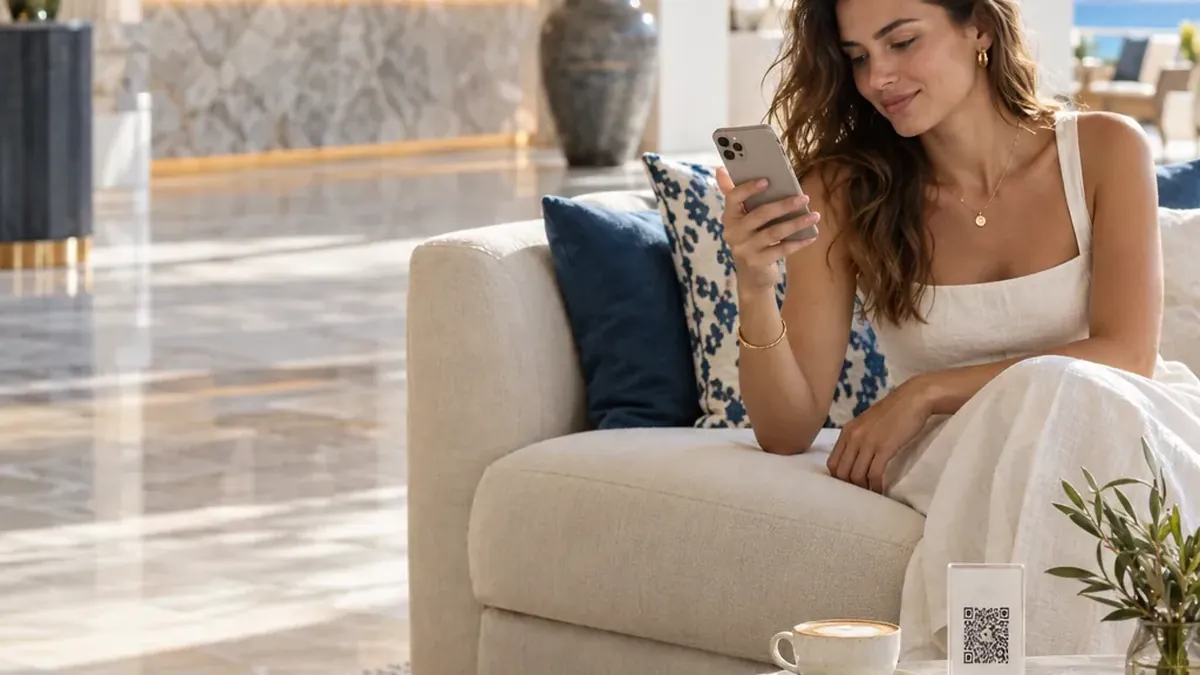
The guest scans the QR code in the room and opens Wi-Fi, hotel information or reception from the guest portal’s home screen. The information is in their language and always at hand.
- Wi-Fi: the network name and password are shown; the password is copied in one tap or guests connect with the Wi-Fi QR code. Room-specific Wi-Fi details can be shown too.
- Hotel information: you create your own sections for hours, rules and frequently asked questions.
- Reception: call in one tap or send a written request; a list of important numbers.
- Nearby places: restaurants, sights and transport with category, distance and a map link.
What to keep in mind when preparing the content
- Write short and clear: “Breakfast 07:00–10:30, main restaurant”.
- Do not forget seasonal changes; when pool or restaurant hours change, update the information straight away.
- Choose your own recommendations for nearby places; guests trust the hotel’s advice.
- Publish all content in the languages active at your hotel; content without a translation appears in the default language.
Does it replace reception?
No. The aim is not to remove reception but to reduce repeated questions. Guests can still call or write to reception, but they no longer have to wait for simple information. The reception team spends its time with guests face to face.
Frequently asked questions
Can each room have different Wi-Fi details?
Yes. Room-specific Wi-Fi details can be shown, so guests see the details for their own room.
Who updates the information?
Your hotel team updates it in the panel. Once a change is published, it appears on the guest’s screen straight away.
Can guests send a written message to reception?
Yes. Guests can call reception in one tap or send a written request, which lands on the team’s screen.
Do we choose the nearby places?
Yes. You add the places you recommend, with category, distance and a map link.
See this experience in your venue
Explore the live demo, or talk to our team for a tailored quote and a free sample kit.