Design & Experience
How to Overcome the Language Barrier with Foreign Guests: A Guide to Multilingual Guest Portals
In tourism, many guests do not speak the hotel’s language. The language barrier turns into wrong orders, unnecessary calls and services nobody uses. We share what matters when setting up a multilingual guest portal.
3 min read

Key takeaways
- Interface and content are two separate layers: interface languages come with the system, while menus and services are published in the languages the hotel chooses.
- The Oquto guest interface is available in Turkish, English, German, Russian and Arabic; Arabic is shown right to left.
- Content without a translation is shown in the hotel’s default language, and the panel warns you.
- We can also add new languages to suit your guests; AI translation drafts are available as an add-on.
Where does the language barrier show up in a hotel?
The language barrier is felt most in small moments: a guest who orders nothing rather than calling room service, an allergen question misunderstood, a trip down to reception just to ask about spa times. When guests cannot find clear information in their own language, they either give up or add to reception’s workload.
- Printed menus carry only one or two languages.
- Product names and notes get misunderstood when ordering by phone.
- Descriptions of extra services stay in a language the guest does not understand.
- Reception hears the same questions again and again, in different languages.
Interface language and content language: know the difference
A multilingual portal has two layers. The interface language covers the texts that come with the system, such as buttons, menu headings and ordering steps. The content language covers what you write: product names, descriptions, services and hotel information.
- Interface: the Oquto guest interface comes in five languages and opens in the language of the guest’s phone. On first opening, the guest is asked for a language and a day or night look.
- Content: you publish menus and content in the languages active at your hotel.
- Missing translations: content without a translation appears in the hotel’s default language, and the panel shows you what is missing.
Practical tips for good translations
- Rather than translating dish names word for word, keep the original name and add a short description.
- Write allergen and dietary information completely in every language; it is the most critical information for the guest.
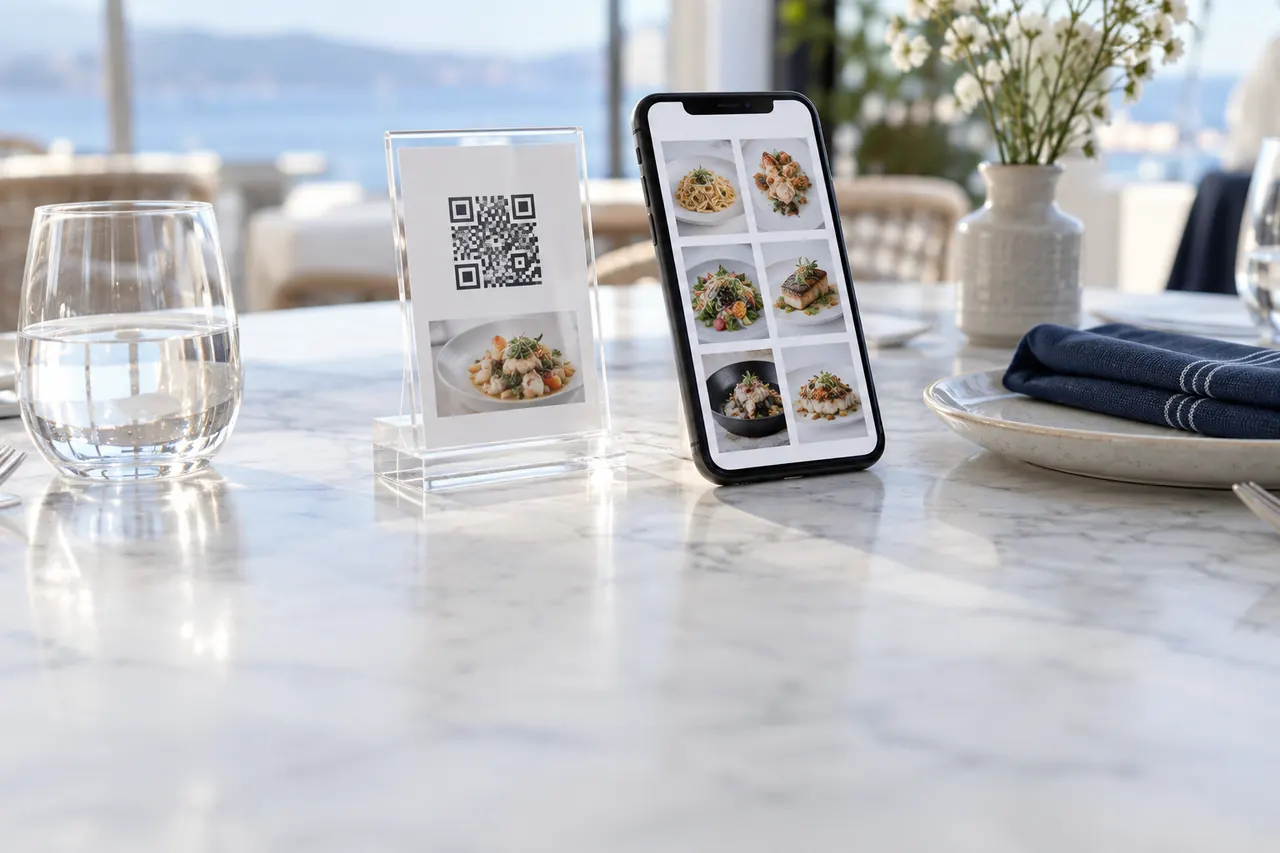
- Use photos; a good photo says the same thing in every language.
- Keep service descriptions short: what it is, when, how long it takes and whether it is charged.
- Before publishing, have a native speaker check the translations.
Arabic and right-to-left reading
For Arabic-speaking guests, translating the text is not enough; the layout has to flow right to left as well. When Arabic is chosen in the Oquto guest portal, the interface is shown right to left, so menus, buttons and steps read in the direction the guest is used to.
Choosing languages for your guest profile
Decide which languages to switch on by looking at your guest profile. Your booking data shows which countries your guests come from. If a language you need is not in the interface, we can add new languages to suit your guests.
Frequently asked questions
In which language does the portal open?
It opens in the phone’s language. Guests can change the language at any time from the profile screen.
Do we have to enter every product in five languages?
No. You enter content in the languages active at your hotel; content without a translation appears in the default language, and the panel warns you.
We need a language that is not on the list. What can we do?
We can also add new languages to suit your guests. Just let us know what you need.
Does the layout change for Arabic-speaking guests?
Yes. When Arabic is chosen, the interface is shown right to left, and menus, buttons and steps read in that direction.
See this experience in your venue
Explore the live demo, or talk to our team for a tailored quote and a free sample kit.