Guide
How to Choose a QR Menu System: 6 Features That Set Oquto Apart
There are dozens of QR menu solutions on the market, and at first glance they all look alike. Yet the right choice defines the sales and operations infrastructure your business will rely on for years. We’ve put together the questions to ask before you decide, and the features that set Oquto apart.
4 min read
Key takeaways
- When choosing a QR menu, look beyond whether the menu simply opens: consider how it contributes to sales, management and operations.
- Upselling tools, a premium interface and an easy-to-use dashboard are Oquto’s core differentiators.
- Multilingual content, server calling and POS/PMS integration all come together on one platform.
- There’s no per-order commission; pricing is fixed and predictable.
- You get one-on-one support throughout the process, from setup to training.
Why does choosing the right QR menu matter?
A QR menu is no longer optional; it’s a standard guests expect. But not every solution delivers the same value. Some simply link a PDF file to a QR code, while others offer end-to-end infrastructure covering everything from ordering to payment and from multiple languages to reporting.
The wrong choice means menus that never get updated, guests who complain and, before long, a search for a new system. The right choice means more sales, less operational burden and happier guests every day.
6 questions to ask before you decide
- Does this system just display my menu, or does it help me increase sales?
- Is the menu readable on a phone screen, and does it look on-brand?
- Can I change prices or items myself, within minutes?
- Can international guests view the menu in their own language?
- Does it work with my existing POS or PMS system?
- Is pricing transparent, or is there a per-order commission?
If you can’t get a clear “yes” to every one of these questions, you’ll eventually have to fill the gaps with other tools. Oquto was built to answer all six on a single platform.
1. Upselling tools at the heart of the menu
Oquto treats the menu not as a passive list but as an active sales channel. Pairing suggestions, badges such as “Chef’s Pick”, set menus and time-based promotions come as standard, creating a consistent upselling opportunity at every table, every hour.
2. A premium, on-brand interface
The menu in your guest’s hand reflects the quality of your business. The Oquto interface is mobile-first, readable and clean, and it’s tailored to your brand with your logo, colors and fonts. Large product photos, a clear category structure and allergen filters make choosing easier for guests.
3. A clear, easy-to-manage dashboard
The best menu is one you can keep up to date. The Oquto dashboard requires no technical knowledge: updating prices, hiding items, scheduling promotions and reordering take just minutes. With role-based permissions and multi-location support, growing businesses stay in control, too.
4. A truly multilingual experience
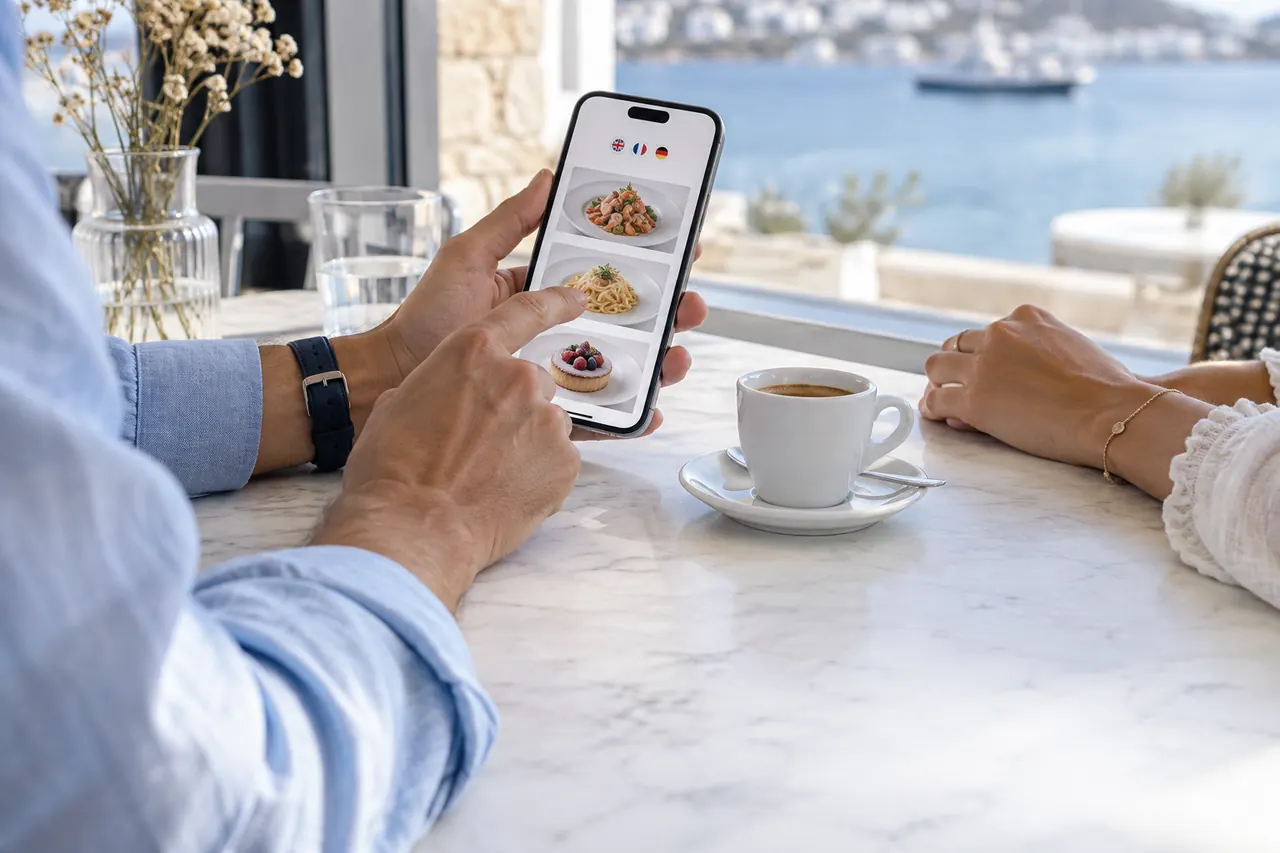
In tourist destinations, offering the menu in an international guest’s language isn’t a luxury; it’s a prerequisite for sales. Oquto automatically detects the phone’s language and presents content in 14 languages. Product descriptions and allergen information are translated as well, so guests know exactly what they’re ordering while staff see the order in their own language.
5. Server calling and end-to-end integration
A menu shows its true value when it becomes part of your operations. With Oquto, guests can call a server, ask for the check or choose a payment method, and the call goes to the relevant staff member’s smartwatch. Integration with POS systems such as SambaPOS, Micros and NarPOS and hotel PMS software such as Opera and Fidelio means orders are posted automatically to the check or the room bill.
6. Commission-free, transparent pricing and one-on-one support
Some platforms take a commission on every order, so the more you grow, the more you pay. Oquto charges no per-order commission and offers fixed, predictable pricing. Setup, menu migration and team training are all handled with one-on-one support throughout the process.
Frequently asked questions
What is the most important criterion when choosing a QR menu?
It’s not just whether the menu opens, but whether it contributes to sales and operations. Sales tools, interface quality, ease of management, multilingual support, integrations and transparent pricing should all be weighed together.
Does Oquto charge a commission per order?
No. Oquto charges no per-order commission and works with fixed, predictable plan pricing.
Can I try Oquto before buying?
Yes. You can explore the live phone demo on our website, request a free sample kit and get a quote tailored to your business.
See this experience in your venue
Explore the live demo, or talk to our team for a tailored quote and a free sample kit.