Sales & Revenue
7 QR Menu Upselling Tactics to Increase Your Average Order Value
A digital menu is more than a paper menu moved onto a screen. Set up the right way, it becomes a silent salesperson that repeats your best server’s best-day upselling at every table, every hour. Here are 7 tactics that raise your average order value.
4 min read
Key takeaways
- Set up the right way, a QR menu is a sales channel that upsells consistently at every table.
- Pairing suggestions (“Goes great with this”) are the most effective tactic for raising average order value.
- High-quality product photos, badges and smart ordering steer guests toward your high-margin items.
- Time-based menus and promotions keep sales moving even during quiet hours.
- Oquto analytics let you measure which tactics work and update your menu based on data.
Why is a QR menu a sales tool?
A server’s ability to upsell depends on how busy they are, how tired they are and what kind of day they’re having. On a packed Friday night, no server has time to suggest dessert or a second drink at every table. A digital menu, on the other hand, offers every guest the right suggestion with the same care, every single time.
What’s more, guests aren’t rushed with a digital menu. They browse items, look at photos and read descriptions. When designed well, this relaxed decision-making environment leads to more items in the basket. Oquto puts sales-focused tools at the heart of the menu so this process isn’t left to chance.
1. The right offer at the right moment with pairing suggestions
The most effective upsell is a suggestion that complements a decision the guest has already made. Suggesting a matching wine to someone who chose a steak, a fresh croissant to someone ordering coffee, or fries and a drink to someone ordering a burger feels natural and helpful.
2. Use mouth-watering photos
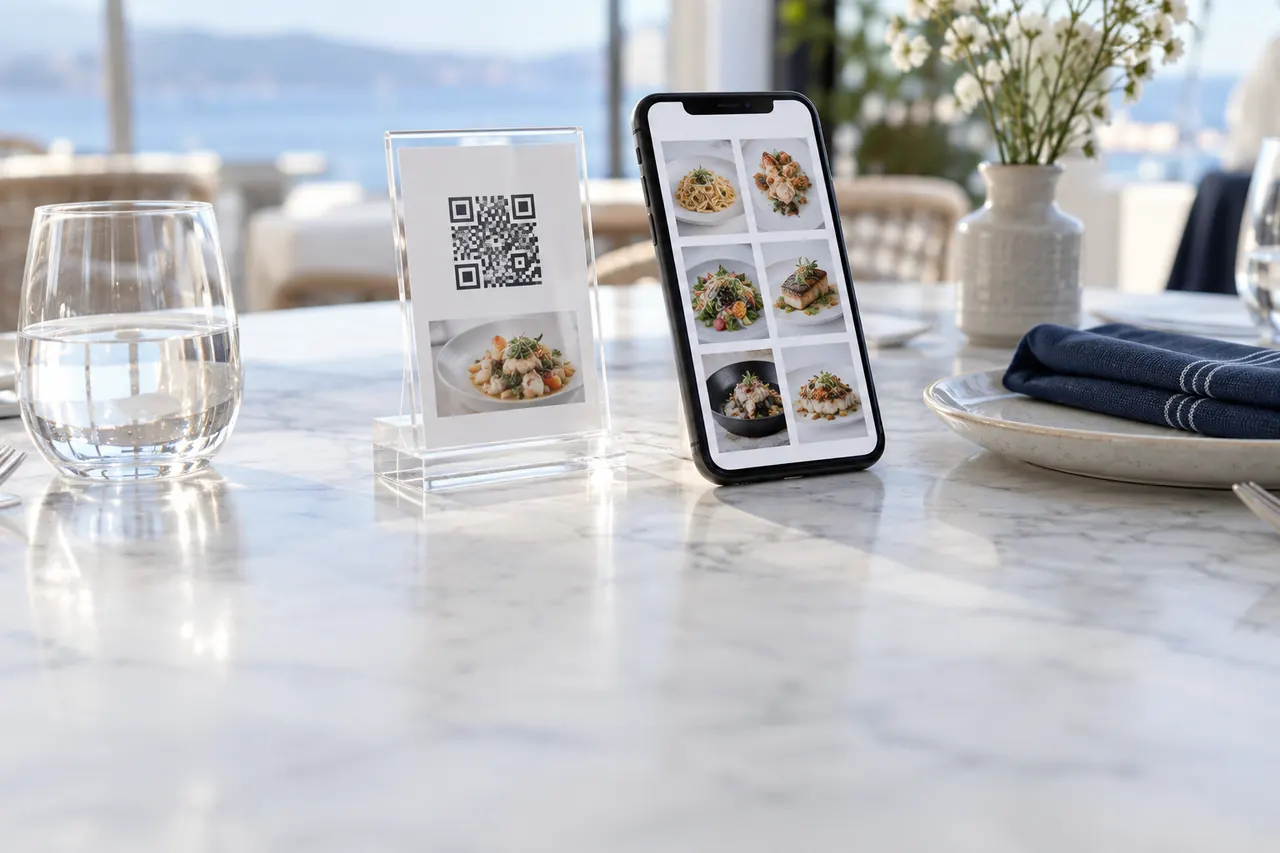
Guests order with their eyes first. An item without a photo is doomed to stay invisible on the menu. Photos shot in natural light that accurately reflect portion size and share a consistent style build trust and shorten decision time.
- Prioritize professional photos for your high-margin items.
- Keep the same angle, lighting and background style across all photos.
- Don’t make portions look bigger than they are; a gap between expectation and reality hurts satisfaction.
3. Grab attention with badges
Badges such as “Chef’s Pick”, “New”, “Most Popular” or “Vegan” guide undecided guests. On a long menu, badges are small but powerful signals that tell the eye where to look. But adding a badge to every item cancels out the effect, so limit them to one or two items per category.
4. Menu engineering: smart ordering
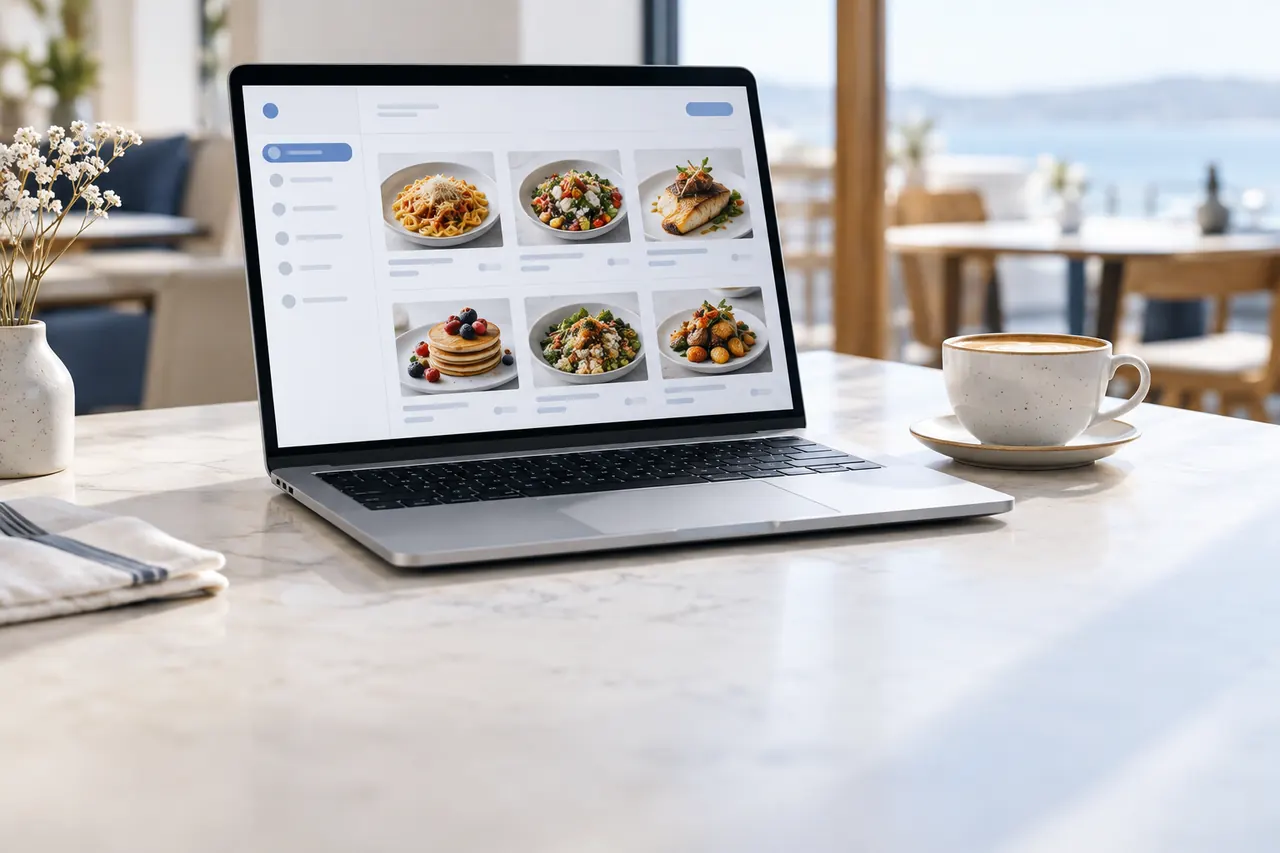
Guests usually look at the first few items in a category. Moving your high-margin and popular items to the top of the category directly improves your sales mix. On a printed menu this means a reprint; on a digital menu it takes seconds with drag and drop.
Oquto analytics show which items get a lot of views but few orders. Reviewing the photo, description or price of these items uncovers hidden sales potential.
5. Create set menus and combos
Combos give guests both a better deal and an easier decision. Sets such as “Coffee + dessert”, a “Lunch menu” or a “Sharing platter for two” create a higher basket total than items chosen one by one. The guest feels they’re getting a good deal, and the business grows its average check.
6. Time-based menus and promotions
Breakfast in the morning, a business lunch at noon, happy hour in the late afternoon and snacks at night. A menu that changes with the time of day shows guests exactly what they need at that moment. Promotions that kick in during quiet hours are the most practical way to fill empty tables.
7. Don’t miss the second round: let guests call a server
At many venues, the biggest lost sales opportunity is the second drink. Guests give up while looking around for a server with an empty glass. When guests can call a server with one tap from the menu on the table, they place their second order without waiting. The call goes instantly to the relevant staff member’s smartwatch.
Measure the results and keep improving your menu
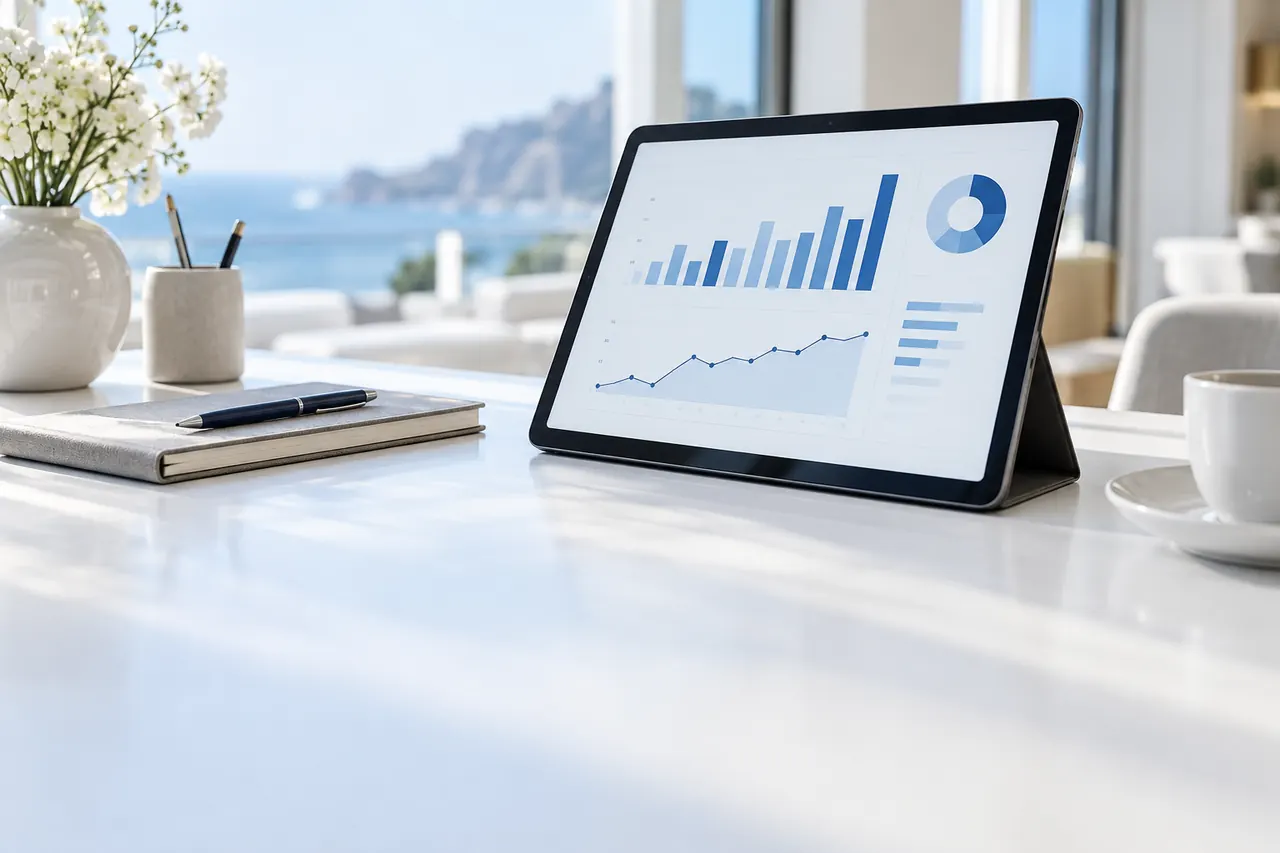
None of these tactics is a one-time setting. The most successful businesses update their menus regularly based on data. With Oquto reports you can track your most-viewed items, how often suggestions are accepted and hourly traffic, and grow your sales steadily with small improvements every month.
Frequently asked questions
Does a QR menu really increase sales?
Yes, when it’s set up the right way. Pairing suggestions, high-quality photos, badges and time-based promotions create a consistent upselling opportunity at every table. Simply uploading a PDF menu won’t deliver this effect.
Do upselling suggestions annoy guests?
When suggestions are relevant to the guest’s choice and can be added with a single tap, they come across as helpful rather than intrusive. Oquto shows suggestions the moment an item is added to the basket, without interrupting the flow.
How can I measure which tactic is working?
Reports in the Oquto dashboard show item views and order counts, suggestion acceptance rates and hourly traffic. With this data you can easily compare the impact of your changes.
See this experience in your venue
Explore the live demo, or talk to our team for a tailored quote and a free sample kit.